Research from Ruth Colvin Clark and Richard Mayer’s work on multimedia learning found that adding images alongside text raised test scores by an average of 89 percent, with students who scored below 40 percent on text-only material improving to roughly 65 percent once visuals were added. A digital whiteboard is built entirely around that finding: instead of one subject getting a diagram here and there, every subject gets one the moment it needs one.
This guide walks through what a digital whiteboard actually is, seven concrete use cases across different subjects, and how GuruKool AI’s digital whiteboard brings all of them into a single tool. If you have already read our guide on the benefits of an interactive whiteboard, this post goes further into the specific subjects and use cases where it earns its place in daily studying, moving from the general case for visual learning into concrete, subject-by-subject examples.
Why One Digital Whiteboard Beats Seven Different Apps
A student studying five subjects across a single week often ends up with five different visual tools: a mind-mapping app for history, a graphing tool for math, a separate app for biology diagrams, and so on. That fragmentation adds friction to exactly the kind of studying that should feel effortless, turning what could be five minutes of focused work into fifteen minutes of app-switching and re-orientation, before any actual homework even begins.
The Trouble With Subject-Specific Tools
Each specialized app solves one narrow problem well, but none of them talk to each other, and none of them explain what they are drawing. A student ends up managing a toolkit instead of actually studying, switching logins and interfaces every time the subject changes. A graphing calculator app, a separate mind-mapping tool, and a biology diagram website each demand their own learning curve before a student can even get to the actual homework, and that setup cost repeats every single evening.
What Students Actually Need From a Whiteboard
What actually helps is one surface that adapts to whatever the current subject requires, whether that is a geometry proof, a flowchart, or a labeled diagram of a cell, without forcing a student to open a different app for each one. The value is not the drawing surface itself, since paper can do that too. The value is a surface that understands the content well enough to help build it correctly, catching a mistake in a diagram the same way a teacher standing over a student’s shoulder would, without needing that teacher to actually be in the room.
Tired of juggling a different app for every subject? Try GuruKool AI’s digital whiteboard free.
What Is a Digital Whiteboard?
A digital whiteboard is a drawing surface built into software, letting a student and an AI Tutor sketch, label, and build visuals together, saved automatically and available across devices rather than tied permanently to one physical wall. The category covers everything from simple drawing apps to fully AI-aware tools, which is exactly why it helps to know what separates the useful end of that range from the merely decorative end, especially when so many products now use similar marketing language regardless of actual capability.
More Than a Blank Canvas
Plenty of tools offer a blank digital canvas and call it a whiteboard. A genuine one goes further, recognizing shapes, completing diagrams, and explaining each addition as it appears, rather than sitting empty until a student fills it in manually with no guidance at all. A blank canvas still requires a student to already know what they are drawing, which defeats the purpose for anyone actually stuck on the concept in the first place.
AI-Powered vs Basic Digital Whiteboards
A basic version is just a drawing app with a different name. An AI-powered digital whiteboard understands what is being drawn, offers corrections, and adjusts explanations to the subject, whether that is balancing a chemical equation or mapping out a flowchart of historical events. The difference shows up the moment something goes wrong: a basic tool stays silent, while an AI-aware one flags the issue and explains it on the spot, turning a mistake into a small teaching moment rather than a dead end.
7 Digital Whiteboard Use Cases Across Every Subject
Here is where the value becomes concrete rather than theoretical, subject by subject, moving through each area where a purely text-based explanation tends to fall short and a drawn one tends to close the gap almost immediately.
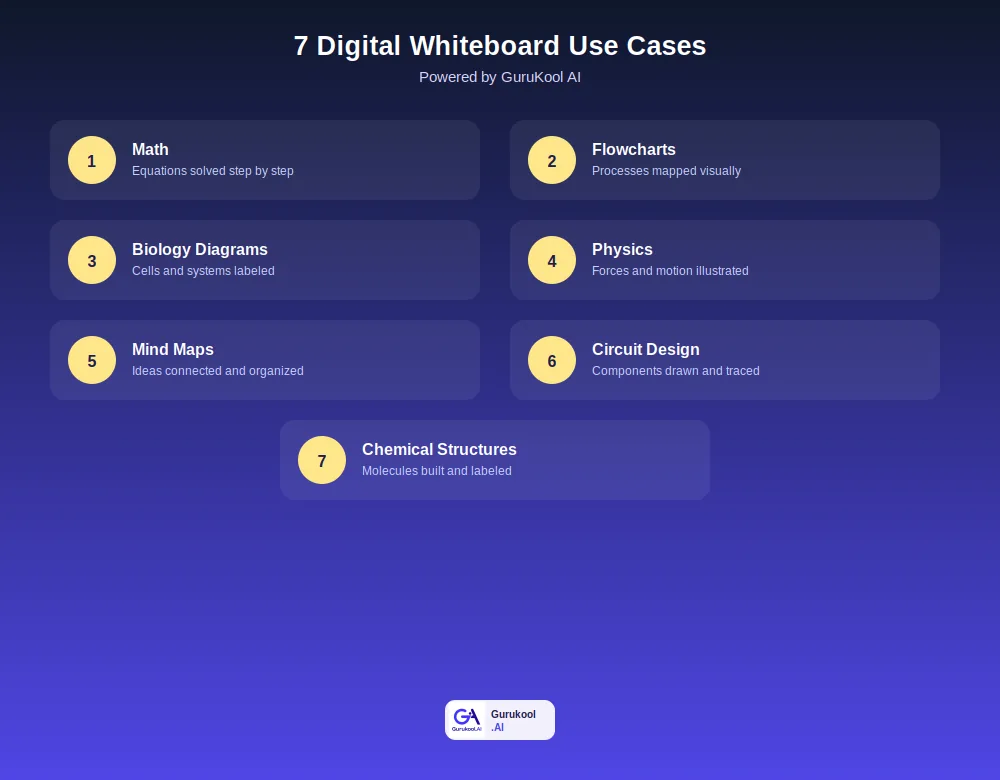
Seven ways a digital whiteboard gets used across the curriculum
Math and Physics: Equations and Forces Made Visible
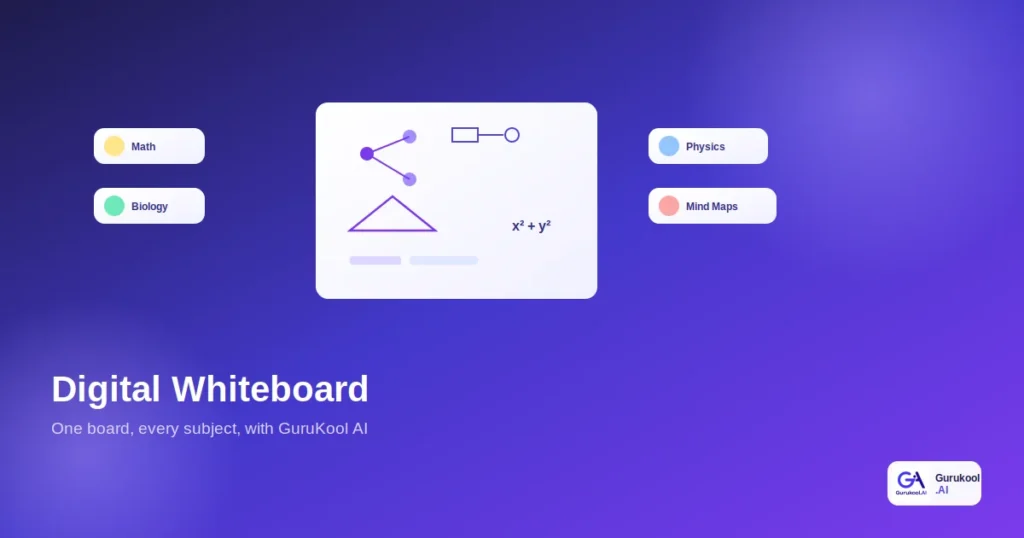
In math, a digital whiteboard breaks an equation into ordered, visible steps instead of one final line, making it easy to spot exactly where a calculation went wrong. In physics, forces, vectors, and motion diagrams get drawn and animated stage by stage, turning an abstract formula for acceleration or momentum into something a student can actually watch unfold. A free-body diagram, for instance, means very little as a sentence but becomes obvious the moment the arrows actually appear on a drawn object, showing direction and magnitude at a glance rather than requiring the reader to imagine it.
Biology and Chemistry: Diagrams and Structures
Biology diagrams, cell structures, organ systems, and life cycles, benefit enormously from being built piece by piece rather than presented as one finished, static image. Chemical structures work the same way: a molecule drawn atom by atom, with bonds appearing as they form, makes far more sense than a flat picture copied from a textbook page. Watching a cell divide stage by stage, rather than seeing four separate labeled snapshots, gives a much clearer sense of the actual process in motion, since the transitions between stages are often exactly what a static image leaves out entirely.
Flowcharts, Mind Maps, and Circuit Design: Organizing Complex Ideas
Flowcharts turn a multi-step process, a historical timeline, an algorithm, a biological cycle, into a visual sequence a student can trace with their finger. Mind maps connect related ideas around a central topic, which a Johns Hopkins study found boosted test scores by 12 percent compared to traditional linear note-taking. Circuit design rounds out the list: components, connections, and current flow drawn and labeled the way an actual engineering diagram would be, letting a student trace exactly where current runs into trouble in a malfunctioning design, the same way an electrician would trace a fault on a real circuit board.
See your own subject drawn out in real time. Start a free GuruKool AI session.
Digital Whiteboard vs Physical Whiteboard: A Comparison
Here is how the two compare on the factors that matter most for actual studying, not just classroom presentation, especially once a student is working alone at home rather than in front of a full class.
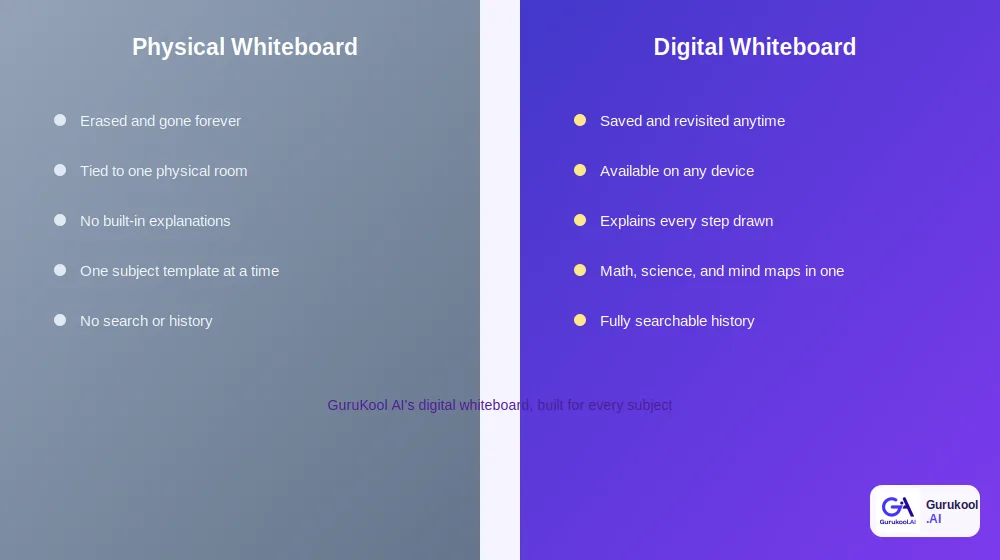
A wall-mounted board versus one that travels with the student
| Factor | Physical Whiteboard | Digital Whiteboard (GuruKool AI) |
|---|---|---|
| Saving work | Erased and gone | Saved and revisited anytime |
| Access | Tied to one room | Available on any device |
| Explanations | None built in | Explains every step drawn |
| Subject range | One layout at a time | Math, science, and mind maps in one |
| History and search | None | Fully searchable past sessions |
Access and Portability
A physical whiteboard exists in exactly one location. A digital whiteboard travels with the student, available at home, on a bus, or during a study hall, without requiring a marker or a wall, which matters most in the exact moments when a question comes up far from any classroom or study group, late at night with no one else around to ask.
Saving and Revisiting Work
Erasing a physical board erases the work permanently. A digital whiteboard keeps every session, so a student reviewing for a final exam can scroll back through months of drawn explanations instead of starting from a blank page every time, effectively building a personal, growing library of worked examples across an entire school year rather than a stack of erased memories.
How GuruKool AI’s Digital Whiteboard Works Across Subjects
GuruKool AI applies the same tool to every subject a student studies, adjusting automatically based on what is being drawn, so a student never has to think about which app fits which homework assignment, or remember which login belongs to which subject.
One Tool for Every Subject
Instead of separate apps for math, science, and organizing notes, GuruKool AI’s digital whiteboard handles all of it, switching context based on the conversation rather than requiring a manual setup for each new subject. A student moving from an algebra problem to a history mind map does not need to close one app and open another, or remember a separate password for each specialized tool they used to rely on.
AI-Guided Drawing, Not Just Blank Space
The whiteboard responds to what a student sketches, completing a diagram, correcting a labeled part, or offering the next step in an equation, rather than sitting as an empty surface waiting to be filled in manually. This responsiveness is what separates a genuine teaching tool from a plain drawing pad with a new coat of paint, and it is usually obvious within the first minute of actually using one.
Saved, Searchable, and Always Available
Every session is stored automatically and tied to the relevant subject, so a student preparing for finals can pull up exactly the biology diagram or physics problem worked through weeks earlier instead of redrawing it from scratch. Over a full semester, that saved history becomes a genuinely useful personal reference, built without any extra effort, effectively turning every homework session into a contribution to a searchable personal textbook.
- Math: equations solved and broken into visible steps
- Physics: forces and motion illustrated stage by stage
- Biology: diagrams and systems labeled and built piece by piece
- Chemistry: chemical structures drawn atom by atom
- Flowcharts and mind maps: ideas organized and connected visually
- Circuit design: components and connections drawn and traced
See it switch between subjects instantly. Start a free GuruKool AI demo today.
A Digital Whiteboard Session Across Two Subjects
A single evening of homework often spans more than one subject, which is exactly where a single, flexible tool proves its value instead of two separate, disconnected ones.
Solving a Physics Problem
A student stuck on a projectile motion problem opens GuruKool AI, and the digital whiteboard draws the trajectory arc, labeling velocity and angle at each point along the path, breaking a formula-heavy problem into something visibly traceable from launch to landing. Watching the arc actually curve, rather than reading a description of a parabola, makes the underlying physics click almost immediately, often faster than several minutes spent staring at the same textbook paragraph.
Mapping Out a History Essay
Twenty minutes later, the same student switches to outlining a history essay. The same whiteboard becomes a mind map instead, branching from a central thesis into supporting arguments and evidence, no separate app, no new login, just a different kind of drawing on the same tool. The switch takes seconds, not the several minutes it would take to close one specialized app, locate another, and remember which password unlocks it.
A typical evening moving between subjects like this usually follows a simple pattern:
- Open one homework subject and let the whiteboard adapt to the content automatically.
- Work through the problem or diagram, asking questions as they come up.
- Switch to the next subject without closing the app or losing earlier work.
- Let the board shift format, equation, diagram, or mind map, based on the new context.
- Review both sessions later from the same saved history when studying for exams.
Before the FAQ section, it helps to address a few of the most common questions that come up when families and students first consider replacing separate subject apps with one flexible tool built to handle all of them at once.
Frequently Asked Questions About Digital Whiteboards
What is a digital whiteboard used for?
A digital whiteboard is used to draw, explain, and organize visual content across subjects, including math equations, science diagrams, flowcharts, mind maps, and circuit designs. Unlike a physical board, the work is saved automatically and can be revisited or continued later on any device.
Is a digital whiteboard good for subjects beyond math and science?
Yes. Mind maps and flowcharts make a digital whiteboard useful for history, literature, and language learning too, anywhere ideas need to be connected or sequenced visually. Circuit design and chemical structures extend it further into engineering and chemistry-focused coursework.
How is GuruKool AI’s digital whiteboard different from basic drawing apps?
Basic drawing apps offer a blank canvas with no understanding of the content. GuruKool AI’s digital whiteboard recognizes what is being drawn, completes diagrams, corrects mistakes, and explains each step as it appears, functioning more like a responsive tutor than an empty sketchpad.
Can a digital whiteboard replace a physical whiteboard entirely?
For individual study, largely yes, since it adds saving, searching, and built-in explanations a physical board cannot offer. Classroom group work still benefits from a shared physical surface at times, but for personal studying, a digital whiteboard covers nearly everything a physical one does and more.
Does GuruKool AI’s digital whiteboard work for circuit design and chemical structures?
Yes. Students can sketch circuit components and connections or build chemical structures atom by atom, and GuruKool AI labels, corrects, and explains each part as it is drawn, the same way it handles a geometry proof or a biology diagram.
Conclusion
A digital whiteboard is not just a whiteboard that happens to run on a screen. It is a single tool flexible enough to solve a math equation, draw a biology diagram, build a mind map, and sketch a circuit, all without a student needing to switch apps between subjects, saving real time across every homework session. With research consistently showing large test score gains when visuals are added to studying, a well-built digital whiteboard is one of the more evidence-backed tools a student can add to a regular routine, and one of the few that scales cleanly across an entire course load instead of just one subject.
GuruKool AI’s digital whiteboard covers all seven use cases in this guide inside a single AI Tutor session, saved, searchable, and ready for whatever subject comes up next, whether that is tonight’s homework or a review session three months from now, without ever needing a second app.
See your homework drawn out across any subject. Start a free GuruKool AI demo today.
Sources: Grand View Research, Interactive Whiteboard Market Report; ElectroIQ, Mind Mapping Statistics 2026.
Related reading: the benefits of an interactive whiteboard, what an AI tutor actually is, and how an AI homework helper explains and builds practice.