A landmark 2013 meta-analysis by Dunlosky and colleagues, still widely cited today, ranked highlighting and underlining as low-utility study techniques, while practice testing and self-quizzing ranked among the most effective methods available. Most students still study PDFs the old way anyway: scrolling through a 40-page document, highlighting whatever seems important in the moment, and hoping it sinks in. An AI PDF reader flips that order entirely, summarizing first, explaining what is actually confusing, and testing what stuck, instead of leaving a student to guess which passages matter most before an exam.
This guide explains what an AI PDF reader actually is, its core capabilities, and how GuruKool AI’s AI PDF reader summarizes, highlights, explains, and quizzes a student through any uploaded document. If you have already read our guide on how an AI homework helper works, think of the AI PDF reader as the tool that applies those same principles directly to a specific document a student uploads, rather than a general homework question typed in from scratch.
Why Reading a PDF Cover to Cover Doesn’t Work
Most study material now arrives as a PDF: a scanned chapter, a research handout, a teacher’s slide deck exported as pages, or a full lecture packet handed out on the first day of class. None of it was designed with studying in mind, and it shows the moment a student actually tries to use it that way. College students alone are routinely assigned hundreds of pages of PDF reading across a single semester, spread across multiple courses that rarely coordinate deadlines with each other, and very few of those documents come with any built-in support for actually processing that volume efficiently.
PDFs Are Built for Printing, Not Studying
A PDF is, at its core, a format meant to preserve exact page layout for printing, not to help someone study efficiently. There is no built-in sense of which paragraph matters most, no summary, and no way to ask a question about a confusing section without leaving the file entirely and searching elsewhere, often losing track of exactly where the confusion started in the first place and having to scroll back through several pages to find it again.
Highlighting on Paper Doesn’t Scale to a Screen
Highlighting a printed page is simple: drag a marker across a line by hand. Doing the same thing meaningfully across a 40-page digital document, and then actually remembering why each highlight mattered weeks later, is a different problem entirely, and research suggests most students are not particularly good at deciding what is actually worth highlighting in the first place, often marking too much or too little without a clear sense of what will actually appear on a test.
Tired of scrolling through PDFs with no idea what actually matters? Try GuruKool AI’s PDF reader free and get a summary of your own document within seconds of uploading it.
What Is an AI PDF Reader?
An AI PDF reader is a tool that analyzes an uploaded document and actively works with a student on it, summarizing content, highlighting important sections, explaining difficult passages, and generating both notes and quiz questions, rather than simply displaying pages for manual scrolling. The distinction is between a tool that shows content and one that actually processes it, and that processing is exactly what defines a genuine AI PDF reader rather than a rebranded file viewer.
More Than a PDF Viewer
A standard PDF viewer does exactly one job: it displays pages. An AI PDF reader adds a layer of understanding on top of that display, actively identifying what the document is actually about and surfacing the parts that matter most for a specific student’s purpose in reading it, whether that purpose is exam prep, a class discussion, or simply getting through a long assigned reading before a deadline that arrived faster than expected.
AI PDF Reader vs AI Library
These two tools solve related but distinct problems. An AI library, covered in our companion guide, is built around searching and reading across a broad collection of textbooks and reference material spanning an entire curriculum. An AI PDF reader focuses specifically on one uploaded document at a time, whatever a student brings to it, a handout, a research paper, a scanned worksheet, regardless of whether it exists anywhere else in a broader library or has ever been formally published at all.
Key Features of an AI PDF Reader
Six specific capabilities separate a genuine AI PDF reader from a basic viewer that only turns pages, and each one addresses a specific frustration that shows up the moment a student actually tries to study from a long document under real time pressure with a deadline the next morning.
Summarizing Long Documents Instantly
A forty-page PDF can be reduced to its core argument and key points in seconds, giving a student a starting map of the document before committing to reading it in full, rather than discovering the structure only after finishing the whole thing, often too late to budget remaining study time effectively.
Highlighting the Sections That Matter Most
Instead of a student guessing which lines deserve a highlighter, the system identifies the passages most likely to matter for understanding the document’s core argument or for an upcoming test, based on the actual content rather than a hunch formed halfway through a tired reading session late at night with a deadline looming the next morning.
Explaining Difficult Paragraphs on Demand
A dense, jargon-heavy paragraph can be explained in plain language immediately, without needing to close the document and search for a simpler explanation somewhere else entirely, which often derails momentum and turns a five-minute detour into a much longer one that eats into time better spent on the next assigned reading.
See your own PDF summarized in seconds. Start a free GuruKool AI session and upload whatever document is currently sitting unread in your downloads folder.
AI PDF Reader vs Manual Reading and Highlighting
Here is how the two approaches compare on the factors that actually affect whether a document gets understood and remembered, rather than merely finished and set aside until the next reading assignment arrives.
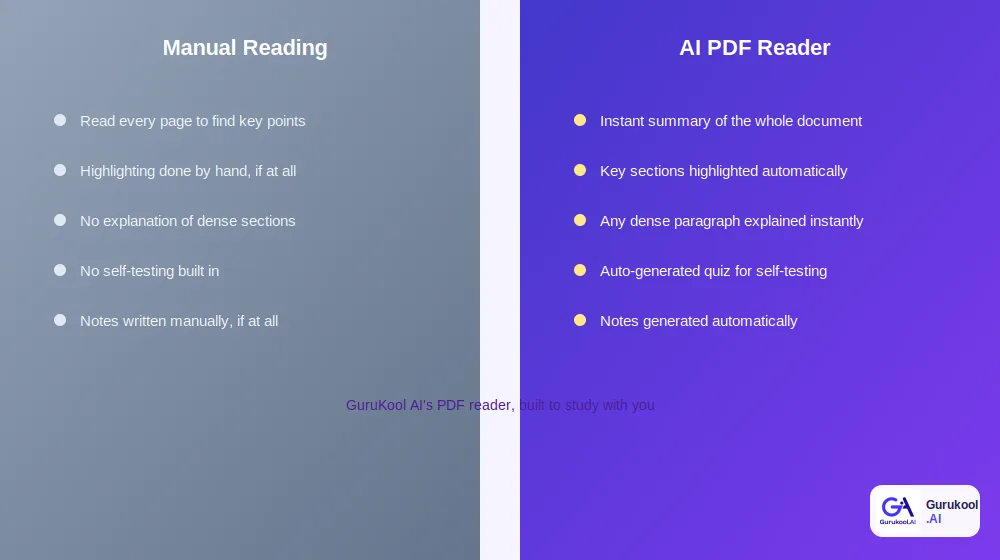
Manual reading and highlighting versus an AI-assisted approach
| Factor | Manual Reading | AI PDF Reader (GuruKool AI) |
|---|---|---|
| Finding key points | Read the entire document | Instant summary of the whole document |
| Highlighting | Manual, based on a guess | Key sections identified automatically |
| Confusing passages | No built-in explanation | Any paragraph explained instantly |
| Self-testing | Not included | Auto-generated quiz questions |
| Notes | Written manually, if at all | Generated automatically |
Time Spent Finding What Matters
Reading an entire document to extract the two or three points that actually matter is a slow, inefficient way to study when a summary can surface those same points in seconds, leaving the full reading as an optional deeper step rather than a mandatory first one that has to happen before anything useful can be extracted at all. This is exactly where a genuine AI PDF reader earns its place in a student’s routine, cutting the time between opening a document and actually understanding what it says.
Retention and Review
Highlighting alone, per the research cited earlier, does little to improve retention. Pairing a document with a short quiz built directly from its content applies retrieval practice, one of the most well-supported study techniques available, directly to the exact material a student needs to know, rather than a generic set of questions unrelated to what was actually assigned. This is the core advantage a well-built AI PDF reader offers over any manual approach, no matter how disciplined the student happens to be about highlighting consistently.
How GuruKool AI’s PDF Reader Works
GuruKool AI’s PDF reader applies the same process to every document a student uploads, regardless of subject or format, functioning as a genuine AI PDF reader rather than a simple viewer with a chat box attached to the side.
Upload Any PDF and Get an Instant Summary
A student uploads a document, and GuruKool AI reads it directly, producing a concise summary of the core content within moments, regardless of document length or subject area, whether it is a two-page handout or a sixty-page research paper assigned for a graduate seminar.
Ask Questions and Generate Notes
Beyond the initial summary, a student can ask specific questions about the document and receive notes generated automatically from its actual content, organized rather than copied verbatim from the source, saving the manual work of condensing pages of text into something actually reviewable later.
Auto-Generated Quizzes for Self-Testing
Once a document has been read and understood, GuruKool AI generates quiz questions drawn directly from its content, applying retrieval practice to the exact material a student just studied instead of generic, unrelated questions pulled from an unconnected question bank.
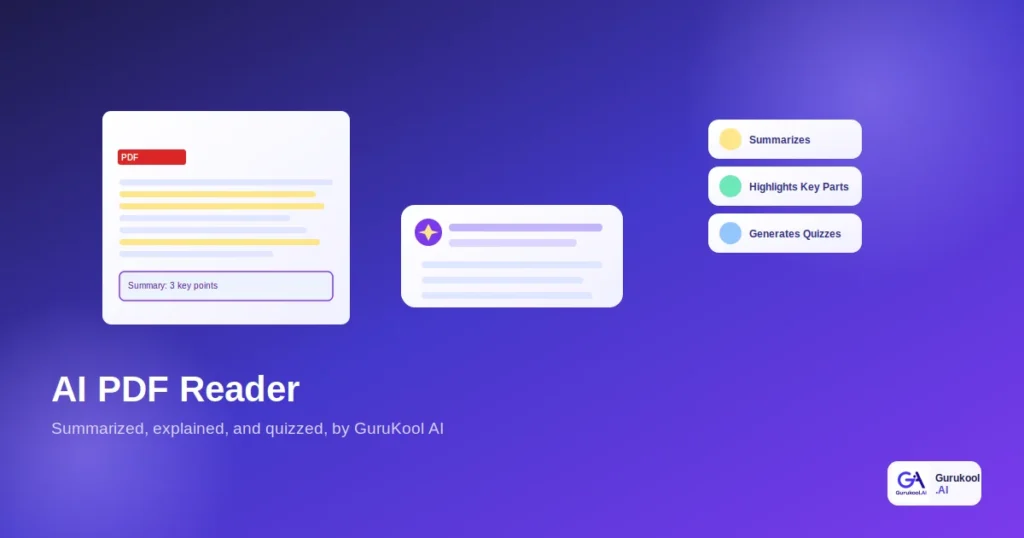
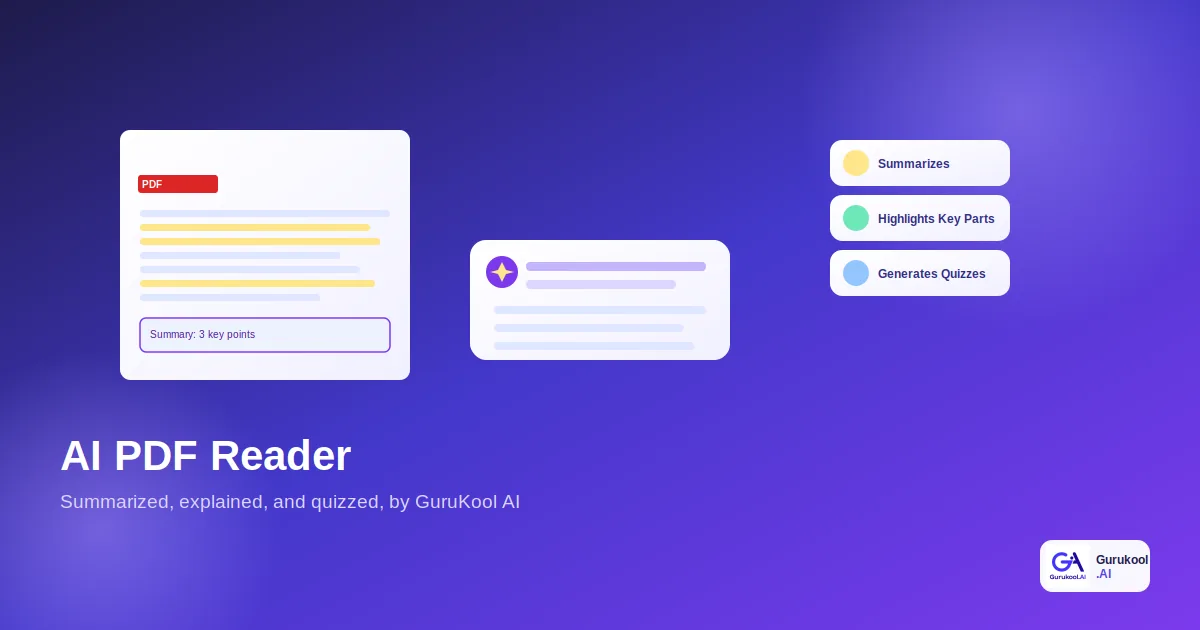
- Summarizes PDFs of any length in seconds
- Highlights the sections most important to the content
- Explains difficult paragraphs in plain language
- Answers specific questions about the uploaded document
- Generates organized notes automatically
- Creates quizzes built directly from the document’s content
Together, these six capabilities cover the full arc of studying from a single document: understanding it quickly, engaging with the parts that resist plain reading, and confirming that the material actually stuck before moving on to the next assignment or the next subject entirely.
Upload your own document and see it work. Start a free GuruKool AI demo today and put a real AI PDF reader to work on tonight’s reading assignment.
An AI PDF Reader Session in Action
It helps to see these features work together during an actual, time-pressured study session rather than as isolated capabilities described in the abstract, since that pressure is exactly when a genuine AI PDF reader proves most valuable.
Facing a 30-Page Research Handout
A college student receives a 30-page research handout the night before a discussion section and has no realistic way to read it in full before class the next morning without sacrificing sleep entirely. She uploads it to GuruKool AI and gets a summary of the core argument and three key findings within seconds, enough to walk into class with a genuine understanding of the main points instead of skimming the introduction and hoping nobody calls on her directly.
Digging Deeper and Testing Herself
One paragraph on methodology reads like it was written for a different audience entirely, so she highlights it and asks for a simpler explanation, which arrives immediately in plain language. Before closing the document, she requests a short quiz built from its content and gets four questions that reveal she has genuinely absorbed the main argument, missing only a supporting statistic buried in a footnote she had skimmed past too quickly the first time through.
A typical AI PDF reader session usually follows a similar sequence:
- Upload the document, whether typed, scanned, or exported from slides.
- Read the instant summary to get a map of the core content.
- Review the automatically highlighted sections that matter most.
- Ask for a simpler explanation of any paragraph that does not land.
- Generate a short quiz to confirm what actually stuck before moving on.
Before wrapping up, here are answers to a few of the most common questions students ask when they first consider using a genuine AI PDF reader instead of manually working through a document.
Frequently Asked Questions About AI PDF Readers
What is an AI PDF reader in simple terms?
An AI PDF reader is a tool that actively works with an uploaded document rather than just displaying its pages. It summarizes content, highlights important sections, explains difficult paragraphs, answers questions, and generates notes and quizzes directly from what the document actually contains, turning passive reading into an active study process.
Is highlighting still useful if an AI does it automatically?
Research suggests manual highlighting alone does little to improve retention, largely because students often highlight the wrong things or too much material. AI-generated highlighting targets genuinely important content based on the document’s structure, making it more useful, though pairing it with self-testing remains more effective than highlighting alone, regardless of who or what does the highlighting itself.
How is an AI PDF reader different from an AI library?
An AI library is built around searching and reading across a broad collection of textbooks and reference material. An AI PDF reader focuses on one specific uploaded document at a time, whatever a student brings to it personally, rather than content already organized into a larger library collection maintained by the platform itself.
Can GuruKool AI’s PDF reader generate a quiz from any document?
Yes. Once a document is uploaded and processed, GuruKool AI can generate quiz questions drawn directly from its actual content, applying retrieval practice to test genuine understanding rather than offering generic questions unrelated to the specific material a student just studied that particular evening.
Does an AI PDF reader work with handwritten or scanned documents?
Most modern AI PDF readers, including GuruKool AI, can process scanned pages and handwritten notes using optical character recognition, though clarity of the original scan affects accuracy. Clean, legible scans generally produce the most reliable summaries and explanations, while blurry or heavily annotated pages may need a second pass or manual correction.
Conclusion
An AI PDF reader is not just a convenient way to avoid reading a document in full. It is a way to study one properly: getting the core points immediately, understanding the sections that resist plain reading, and testing whether any of it actually stuck, rather than simply hoping a highlighted line will mean something weeks later at exam time. With solid research behind retrieval practice and clear evidence that passive highlighting alone falls short, an AI PDF reader replaces a weak study habit with a genuinely effective one, backed by decades of cognitive psychology research rather than intuition alone.
GuruKool AI’s PDF reader summarizes, highlights, explains, answers questions, generates notes, and creates quizzes for any document a student uploads, turning a static file into an active study session instead of a passive scrolling exercise that ends the moment the last page is reached. As a genuine AI PDF reader rather than a simple file viewer, it treats every upload as the start of a study session rather than the end of one.
See your next PDF turned into an active study session. Start a free GuruKool AI demo today.
Sources: Structural Learning, Testing Effect: Retrieval Practice Strategies for Teachers; Evidence Based Education, Retrieval and Spaced Practice.
Related reading: what an AI library is, how an AI homework helper explains and builds practice, and what an AI tutor actually is.