A 2025 Educause survey found that the average college student now uses 7.3 different apps just to manage academic work, and the AI layer on top of that has only added more options rather than fewer. Most guides respond to this by listing even more separate AI tools to add to the pile. This guide takes a different approach. Instead of naming ten unrelated products, it looks at the best AI tools for students as a single connected question: what actually needs to exist, and can it live in one place instead of seven separate apps competing for the same fifteen minutes of homework time each evening, each demanding its own attention and its own login before any actual studying can begin?
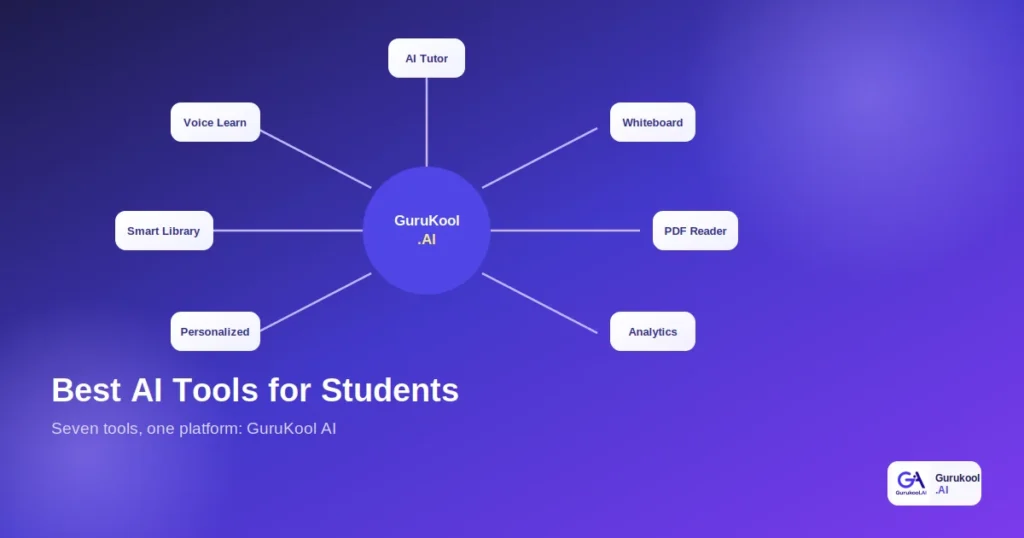
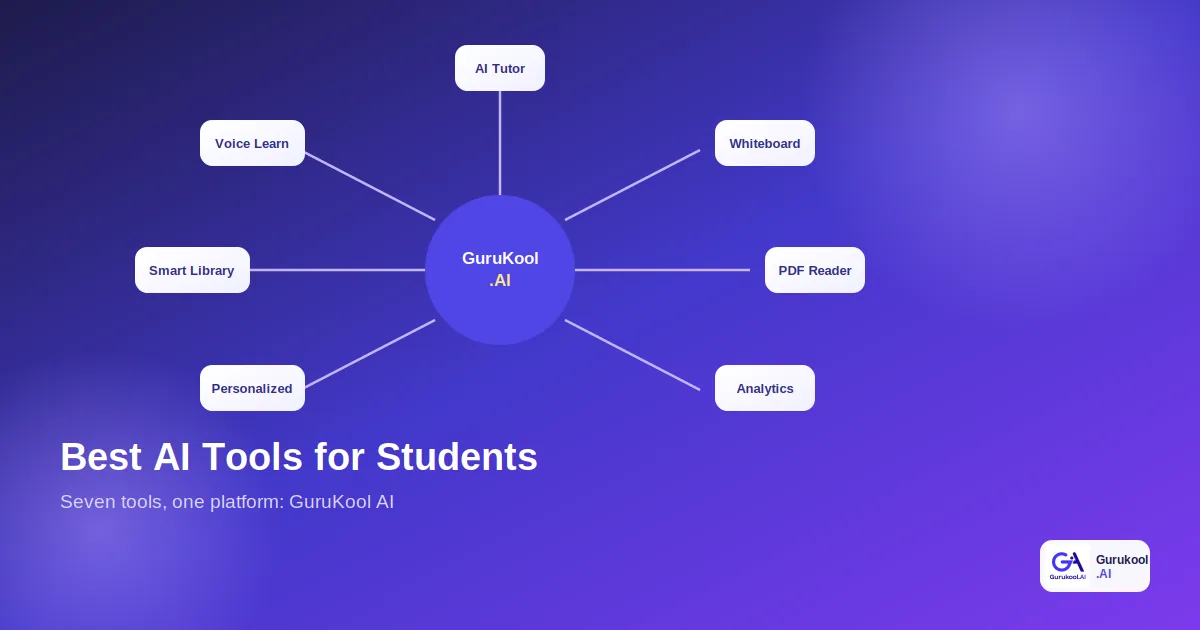
The short answer is yes, and GuruKool AI is built specifically around exactly that idea. Rather than sending you off to compare seven separate products, this guide walks through the seven capabilities that matter most for studying, AI tutoring, an interactive whiteboard, a PDF reader, a smart library, voice learning, personalized learning, and learning analytics, and shows how these AI tools for students work together inside one platform instead of seven disconnected logins that never share information with each other or with the student trying to use them all at once.
Why Students End Up With Too Many Separate AI Tools
Ask a student what AI tools they currently use for school, and the honest answer is rarely just one single tool. It is usually a rotating stack of apps, each solving one narrow piece of the puzzle, assembled over time without much of a plan, often starting with whatever a friend happened to recommend at some point.
A Different App for Every Task
A chatbot for quick answers, a separate app for reading PDFs, another for flashcards, a different one entirely for organizing notes. Each individual tool might work well on its own, but nothing connects them, so a student ends up doing the integration work that the tools themselves should be handling. Global student AI adoption has climbed to roughly 86 to 92 percent depending on the survey, which means this fragmentation problem is not a niche issue affecting a handful of early adopters experimenting with new technology. It is now the default experience for the overwhelming majority of students juggling AI tools across multiple subjects every single week of the school year.
The Real Cost of Switching Between Apps
Every switch between apps costs a few minutes of lost focus while a student reopens context, re-explains their question, or hunts for where they left off. Multiply that across a full evening of homework spanning several subjects, and the time lost to logistics starts to rival the time actually spent learning anything new, quietly eating into an already limited number of study hours that could otherwise go toward actually mastering the material rather than managing the AI tools meant to help with it.
Tired of juggling a different app for every task? Try GuruKool AI free and see everything in one place instead of scattered across seven separate AI tools.
What to Look for in AI Tools for Students
Before comparing specific products, it helps to know what actually separates genuinely useful AI tools for students from ones that just add another login to manage without solving a real problem or actually saving any time in the process.
Coverage Across Subjects and Tasks
A tool built for one narrow task, summarizing a single PDF, for example, is only useful in that one specific moment. The more valuable question is whether these AI tools cover the full range of tasks a student actually faces across a school week: explaining a concept, reading a document, organizing material, and tracking progress over time, all within a single coherent system rather than a patchwork of unrelated features stitched together from whatever apps happened to be free or popular at the time.
Personalization, Not Just Automation
Plenty of tools automate a task without actually adjusting to the individual student using them. A calculator automates arithmetic without personalizing anything. The best AI tools for students go further, adapting explanation style, pace, and difficulty to the specific person on the other end, which is a meaningfully different and more valuable capability than simple automation, and one that becomes obvious the moment you compare a generic response to a genuinely tailored one built around that student’s actual history and current level of understanding.
The Best AI Tools for Students, All in One Platform
Here are the seven capabilities that matter most, each covered in depth in its own dedicated guide, and each built into GuruKool AI as part of one connected platform rather than sold as separate AI tools a student has to research, compare, and purchase individually one at a time.
- AI Tutor: step-by-step explanations that remember context
- Interactive Whiteboard: visual explanations for math and science
- AI PDF Reader: summaries, highlights, and quizzes from any document
- Smart Library: recommendations matched to the current topic
- Voice Learning: listening and talking through a question aloud
- Personalized Learning: pace and depth matched to the student
- Learning Analytics: progress tracked across every subject
AI Tutor and Interactive Whiteboard
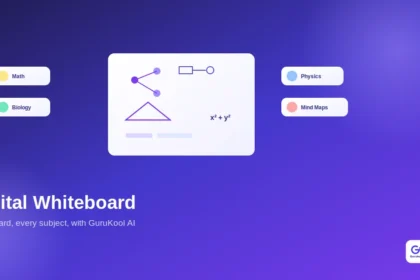
An AI tutor explains concepts step by step, remembers conversation context, and answers follow-up questions instead of giving a single, disconnected reply. Paired with an interactive whiteboard, the same explanation can be drawn out visually for math, geometry, and science, turning an abstract formula into something a student can actually watch take shape rather than just read about on a static page that never adjusts to how the explanation is actually landing.
PDF Reader and Smart Library
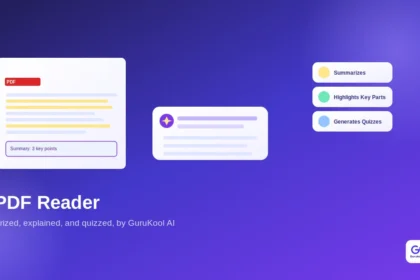
An AI PDF reader summarizes documents, highlights key sections, and generates quizzes from whatever a student uploads, while PDF annotation tools add notes and explanations directly onto the page. A smart library recommends the right chapter or resource automatically, and an AI library makes that material searchable by meaning and readable aloud, rather than requiring a separate app for each of those individual tasks that would otherwise need its own login and its own monthly fee.
Voice Learning, Personalized Learning, and Learning Analytics
Voice learning lets a student listen to a chapter or talk through a question out loud instead of always typing and reading. Personalized learning adjusts pace and depth to the individual, powered underneath by adaptive learning that identifies weak topics automatically. Learning analytics ties it all together, tracking progress across every subject so a student, parent, or teacher can see exactly where things stand at a glance, without needing to check seven different dashboards separately or remember which app tracks which subject.
See all seven capabilities working together. Start a free GuruKool AI session and try the AI tutor, whiteboard, and library back to back without ever switching apps.
One Platform vs Seven Separate Apps: A Comparison
Here is how the two approaches compare on the factors that actually matter for a student juggling a full course load and a limited number of hours available to study each evening after everything else on the schedule is done.
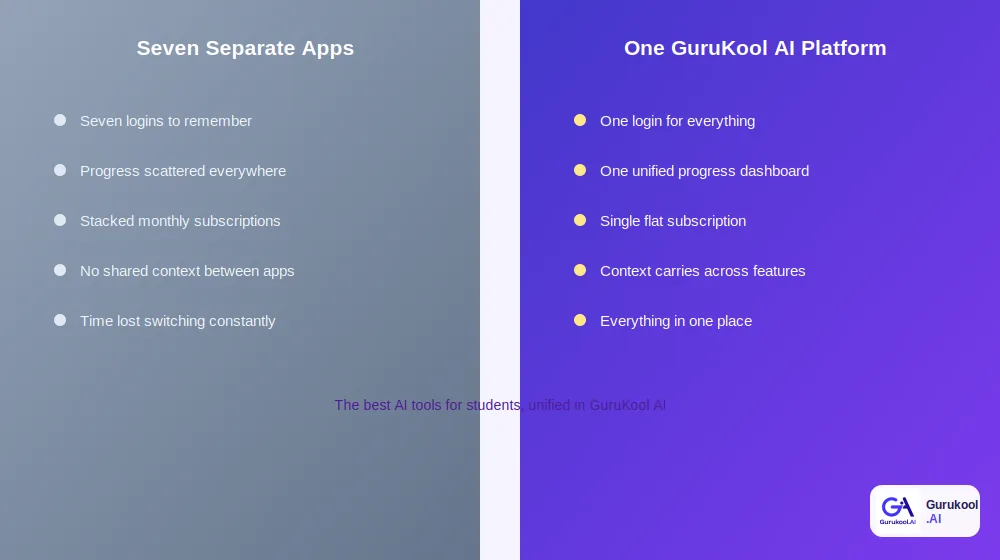
Seven disconnected apps versus one connected platform
| Factor | Seven Separate Apps | One Platform (GuruKool AI) |
|---|---|---|
| Logins required | One per app, often seven or more | A single login for everything |
| Progress tracking | Scattered across each app | One unified analytics dashboard |
| Monthly cost | Stacked subscriptions | Single flat subscription |
| Context continuity | Resets with every new app | Carries across every feature |
| Setup time | Repeated for each new tool | One setup covers everything |
Cost Comparison
Paying for a premium chatbot, a separate flashcard app, and a document tool individually adds up quickly, often exceeding the cost of one platform that covers all of it under a single subscription, especially once a family is managing several separate AI tools across more than one child at home and paying for each subscription separately every month.
Time and Context Continuity
A unified platform remembers what a student already asked, already read, and already struggled with, carrying that context from the AI tutor into the whiteboard, the library, and back again, rather than starting from zero every time the task changes, which is exactly the kind of friction that makes seven separate AI tools feel more like a chore than a genuine help, no matter how good any single one of them is on its own.
How GuruKool AI Brings These Tools Together
GuruKool AI was built around the idea that these seven capabilities should share data rather than operate in isolated silos the way most collections of separate AI tools for students typically do, each one solving its own narrow problem while ignoring everything happening in the others.
One Login, Every Feature Connected
A single account covers the AI tutor, whiteboard, PDF reader, smart library, voice learning, personalized learning, and analytics, so switching between a homework question and a document upload happens inside one continuous session instead of across separate apps entirely, each with its own password to remember and its own interface to relearn every time a new feature is needed for a different subject.
Data That Follows the Student Across Tools
A weak topic flagged during a tutoring session automatically shapes what the smart library recommends next and what the analytics dashboard highlights for a parent or teacher reviewing progress, something seven disconnected apps have no realistic way of coordinating with each other, since none of them were ever designed to share information across company boundaries in the first place, let alone in real time as a student studies.
See it all connected in one account. Start a free GuruKool AI demo today and watch a weak topic from one feature shape recommendations in another automatically.
A Week of Studying With One Platform
It helps to see how these seven capabilities actually play out across an ordinary school week rather than as a list of abstract features spread across unrelated AI tools that never talk to one another.
Monday Through Wednesday: Homework and Reading
A student uses the AI tutor for a tricky algebra question on Monday, uploads a history PDF for Tuesday’s reading with the whiteboard sketching out a related timeline, and listens to a science chapter read aloud on Wednesday during a commute, all from the same account without a single new login or a forgotten password standing in the way of actually getting the homework done on time.
Thursday and Friday: Review and Progress Check
By Thursday, the smart library has already surfaced a recommended chapter based on a weak topic flagged earlier in the week, and by Friday, the analytics dashboard shows a parent exactly which subjects improved and which still need attention, a full picture no single one of seven separate AI tools could have assembled on its own, since each one only ever saw its own narrow slice of the student’s actual week.
Across that same week, a typical pattern looks something like this:
- Monday: Ask the AI tutor a question and get a step-by-step explanation.
- Tuesday: Upload a PDF and let the smart library recommend related material.
- Wednesday: Switch to voice learning for a chapter during a commute.
- Thursday: Review a topic the analytics dashboard flagged as weak.
- Friday: Check overall progress across every subject in one dashboard.
Before wrapping up, here are answers to a few of the most common questions students and parents ask when comparing individual AI tools against one connected platform.
Frequently Asked Questions About AI Tools for Students
What are the best AI tools for students right now?
The most useful categories are an AI tutor for explanations, an interactive whiteboard for visual learning, a PDF reader for documents, a smart library for recommendations, voice learning for listening, personalized learning for pacing, and analytics for tracking progress. GuruKool AI combines all seven into one platform instead of requiring seven separate subscriptions.
Is it better to use one all-in-one platform or several specialized apps?
For most students, one connected platform wins on cost, consistency, and shared context between features. Specialized apps can occasionally offer a narrow feature slightly deeper, but the coordination cost of managing several separate logins and subscriptions usually outweighs that marginal benefit for everyday studying across a full course load.
How much do AI tools for students typically cost?
Individual specialized AI tools often range from free to twenty or thirty dollars a month each, and stacking several quickly adds up. A single platform covering the same capabilities typically costs less in total than three or four separate subscriptions combined, while also removing the hassle of managing multiple billing cycles.
Do AI tools for students actually improve grades?
Evidence is promising though it varies by tool and use case. Research on AI tutoring specifically has shown learning gains that rival or exceed traditional classroom instruction, and personalized, adaptive approaches consistently outperform generic, one-size-fits-all study methods in controlled studies conducted across multiple age groups and subjects.
What makes GuruKool AI different from using several separate apps?
GuruKool AI shares data and context across every feature automatically, so a weak topic identified in a tutoring session shapes library recommendations and shows up on the analytics dashboard without any manual work. Separate apps have no built-in way to coordinate like this with each other, since they were never designed to communicate in the first place.
Conclusion
The best AI tools for students are not necessarily the ones with the flashiest individual feature or the biggest advertising budget behind them. They are the ones that actually fit together, sharing context instead of forcing a student to do that integration work manually across seven different logins scattered across a phone’s home screen. With the average student already juggling more than seven apps for academic work, consolidation is not a minor convenience. It is quickly becoming the more practical, more affordable, and genuinely more effective way to study, especially across a full semester rather than a single isolated assignment.
GuruKool AI brings the AI tutor, interactive whiteboard, PDF reader, smart library, voice learning, personalized learning, and learning analytics together into a single account, so the best AI tools for students stop being a shopping list to research and start being one place to actually study, starting the same day a student first signs in.
See all seven tools in one place. Start a free GuruKool AI demo today and compare it directly against whatever collection of separate AI tools you are currently using to get through the school week.
Sources: NexaSphere, Best AI Productivity Tools for Students in 2026; DemandSage, 81 AI in Education Statistics 2026.
Related reading: what an AI tutor actually is, what personalized learning actually means, and how an AI homework helper explains and builds practice.